 |
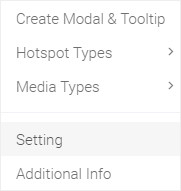
Hello, In this tutorial I will show you how to set your snapshot of your panorama. For setting snapshot image, you should click your second mouse button to open Ocurus option menu and click "Settings".
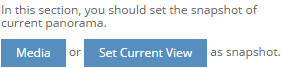
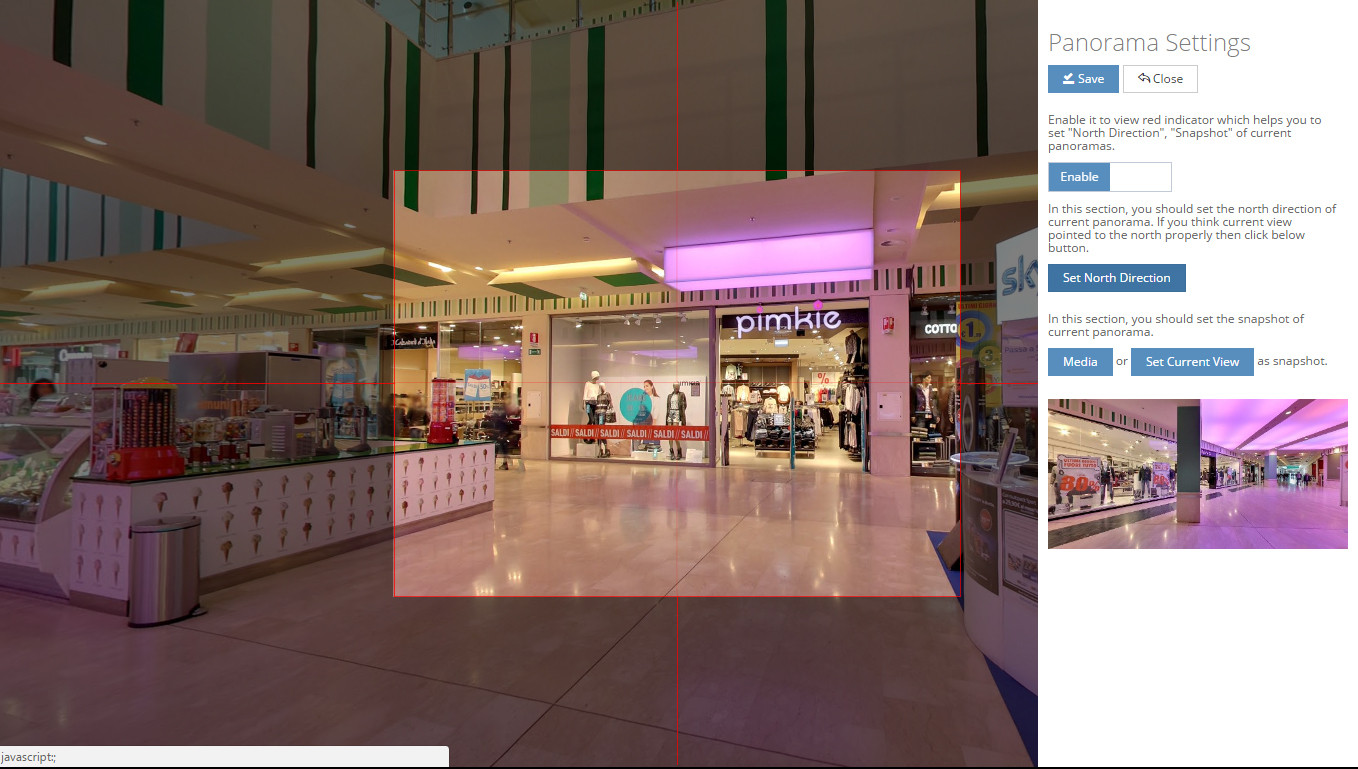
After you click "Settings" menu, then you will see a "Panorama Settings" window. From this window, you can upload your custom image representing current panorama or take snapshot using your "field of view" of your current panoramic view. |